

Creating a Budget That Actually Sticks
A practical method for budgeting that doesn’t feel restrictive. Most young adults fail at budgeting because they make it too strict. We’ll show you a realistic approach that works.
Read GuideMaster your money with the right tracking tools. We’ll show you which apps actually work and how to use them effectively.


Here’s the thing — you can’t improve what you don’t measure. Most people have no idea where their money actually goes. They know they spend it, but the details? Completely fuzzy.
That’s where spending tracker apps come in. They’re not about restriction or judgment. They’re about clarity. When you see exactly where your money flows, you can make real decisions. You’ll spot patterns you didn’t know existed. You’ll find money you didn’t know you had.
We’ve tested dozens of these tools. Some are overly complicated. Some miss important features. In this guide, we’re showing you the ones that actually work for tracking your daily spending without adding stress to your life.
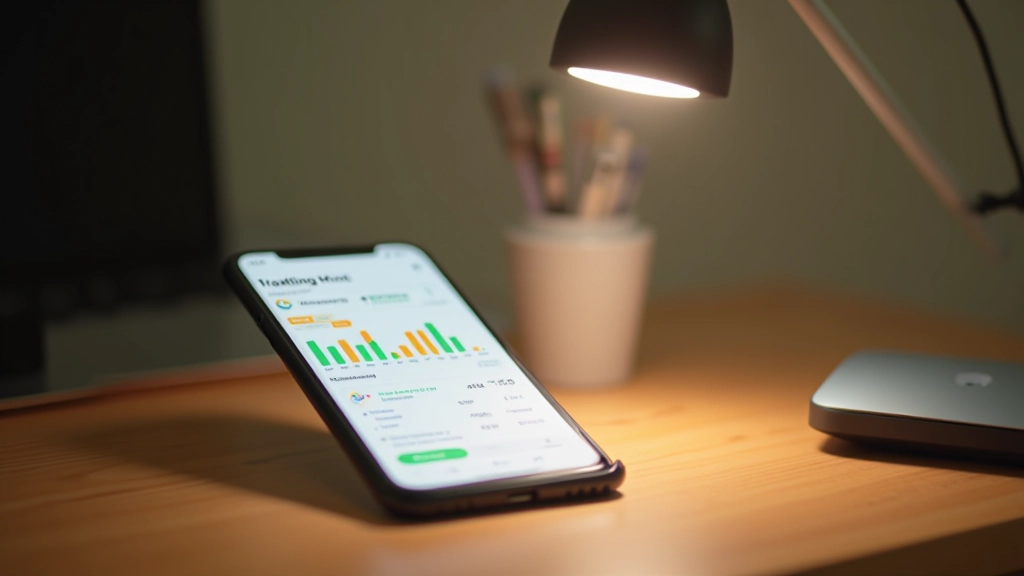
Before diving into specific apps, let’s talk about different approaches. You’ll find three main categories, and each works differently.
You enter each transaction yourself. Takes more effort, but you’re forced to pay attention to what you’re spending. That friction is actually valuable — it makes you think before swiping.
Connect your bank accounts and cards. Transactions download automatically. Less work from you, but you need to be comfortable linking accounts. Most are secure, but check their privacy policies first.
These combine tracking with budget planning. You’ll set limits, and the app warns you when you’re approaching them. Good if you want structure and guidance built in.
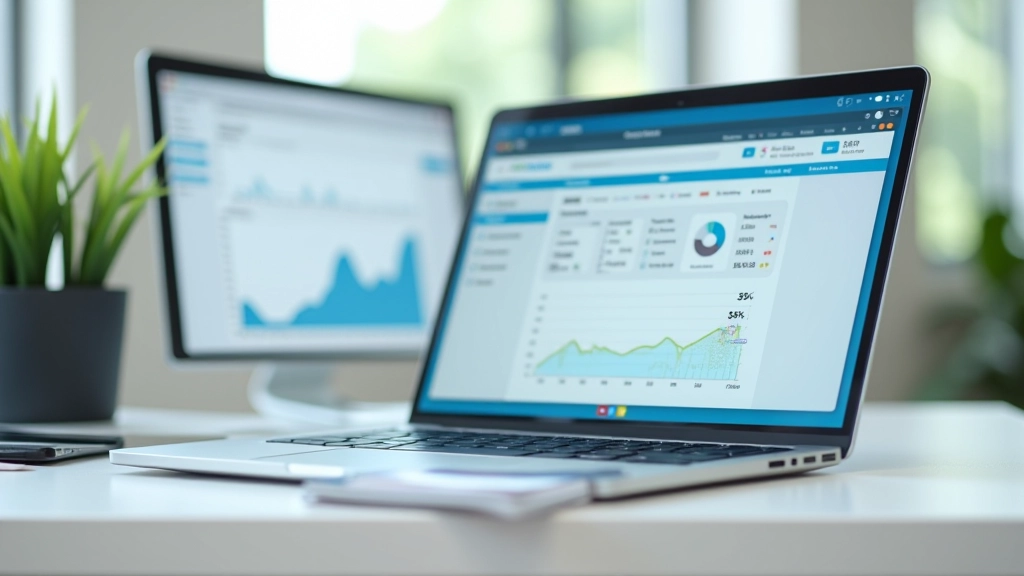
These aren’t all free. Some cost money. But they’re worth looking at because they solve real problems without overwhelming you with features you’ll never use.
Budget-Focused
YNAB is built around giving every dollar a job. You link your accounts, but the real power is in the philosophy. It takes about 2-3 weeks to get the system, but once you do, it changes how you think about money. They offer a free trial to start.
Digital Envelope System
If you like the envelope system but want it digital, this is it. You create virtual envelopes for different categories, and you allocate money to each one. Simple visual approach that doesn’t feel overwhelming. Works well if you want hands-on control without complexity.
Automatic Tracking
Free, connects to your bank, categorizes transactions automatically. If you just want to see where your money goes without setting strict budgets, this works. The main drawback? It won’t help you change spending habits — it just shows you what you’ve already done.

Having the app isn’t enough. You need a system. Here’s what works:
Don’t set up 20 budget categories on day one. Start with 4-5 main ones: food, transport, entertainment, personal care, and other. You can refine later. Most people quit apps because they’re too complex from the start.
Daily checking becomes obsessive. Pick one day a week — maybe Sunday evening — to review. Fifteen minutes to scan transactions and note anything unusual. That’s enough to stay on top without burning out.
When a transaction comes in, spend 10 seconds to categorize it correctly. This is the real work. The app can’t know that coffee was social entertainment, not a necessity. You have to be honest about your own behavior.
After a month or two, you’ll see where your money actually flows. Don’t judge yourself. Just notice. “I spend HK$1,200 monthly on food delivery.” That’s the insight. Now you can decide if that’s worth it to you.
Any app that connects to your bank needs your trust. Before choosing, read the privacy policy. Check what permissions it’s asking for. Most major apps are secure, but you should be comfortable with where your data goes. Some apps sell anonymized data — that’s worth knowing. If you’re not comfortable linking accounts, stick with manual entry apps. Both approaches work.
The best spending tracker app is the one you’ll actually use. Not the one with the fanciest features or the prettiest interface. The one that fits how you think about money.
Start with a free option. Try it for 3-4 weeks. If it doesn’t stick, try a different approach. You’re looking for a tool that makes tracking feel natural, not like homework. Once you find that, you’ll be amazed at how much clarity it brings to your finances.
Money tracking isn’t about being perfect. It’s about being aware. And awareness is where real change starts.